Toolbox
The Toolbox lists the controls available for placement on forms and designers in the current project. Additional COM components can be added through the + More Components button, which opens the COM References section of Project Settings.
See Controls
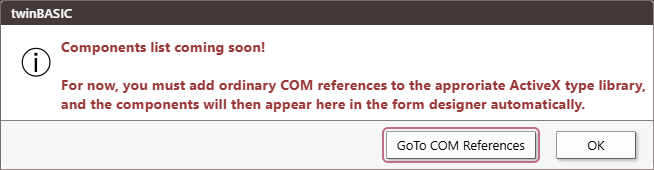
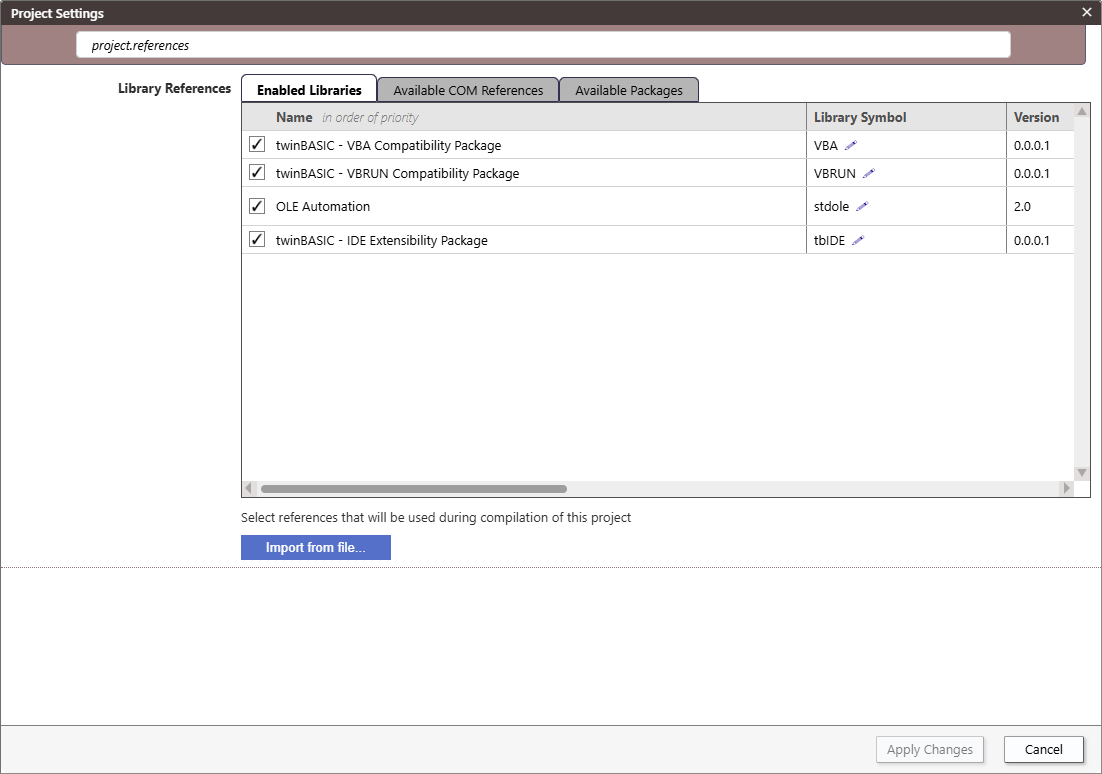
The “GoTo COM References” button takes you to Project Settings and filters by “project.references”.
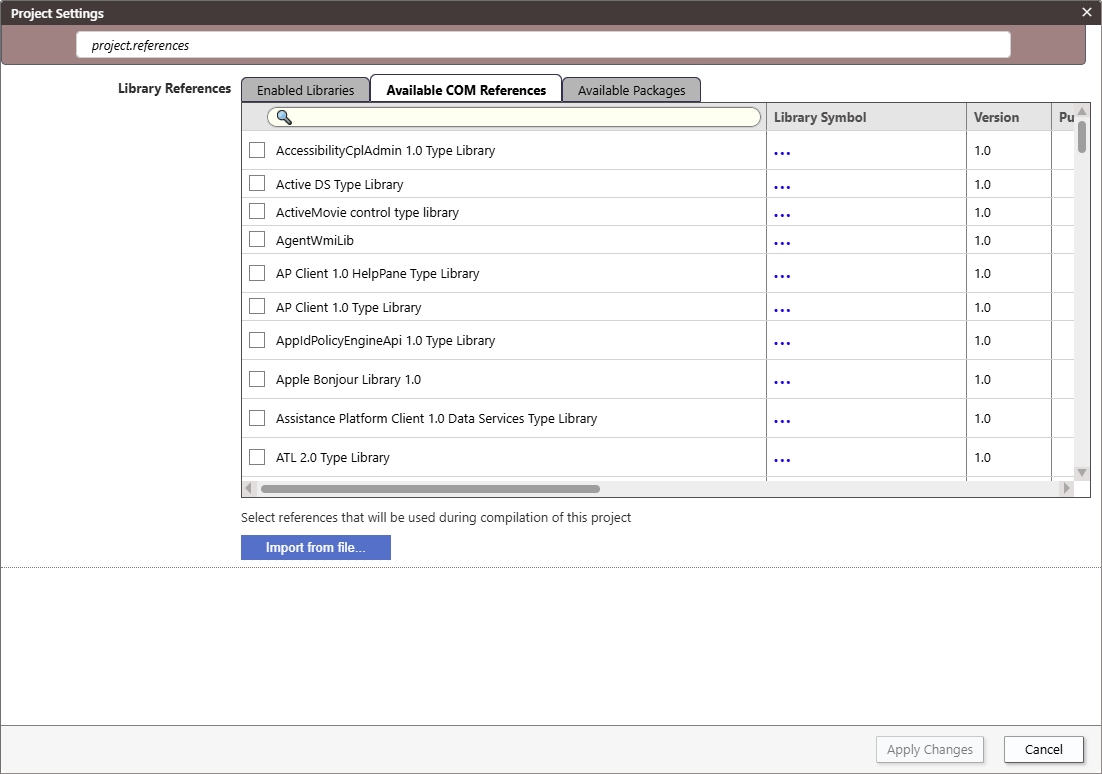
Click on the Available COM References tab.
See Project Settings for more info.