Webpage
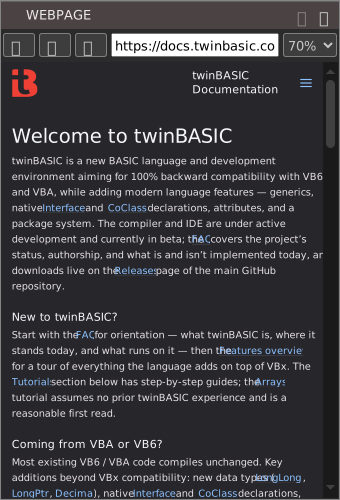
The WEBPAGE pane shows a web page inside the IDE, so that you can read online content without opening a browser. View → WEBPAGE opens it. It is not in either built-in panel layout.
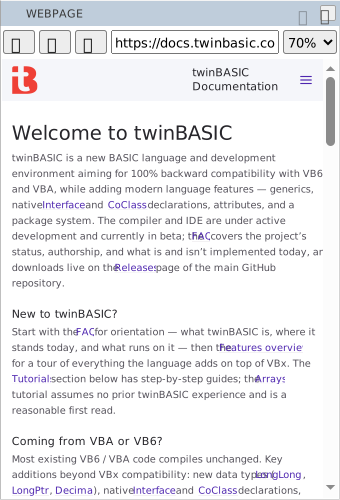
- Back, Forward and Refresh
- The three buttons at the left. They have no default keys; the commands are
tbWebpage_GoBack,tbWebpage_GoForwardandtbWebpage_Reload. - The address box
- Shows the address of the page, and follows the page as it changes. Type an address and press Enter to go there. An address with no colon in it gets
https://in front of it. - Zoom
- Scales the page, from 50% to 150% in steps of ten. It starts at 70%.
- Use Mobile Mode
- The one item of the … menu at the right of the pane’s title bar. While it is ticked, the pane presents itself to websites as a browser on an Android phone, so a site that has a layout for phones sends that one.
The pane keeps its address, zoom and mobile mode from one session to the next. The first address it shows is https://www.google.com.
While a menu, a dialog, a floating message or another floating panel overlaps the pane, the pane shows a still picture of the page. The live page comes back when nothing overlaps it.