The twinBASIC IDE
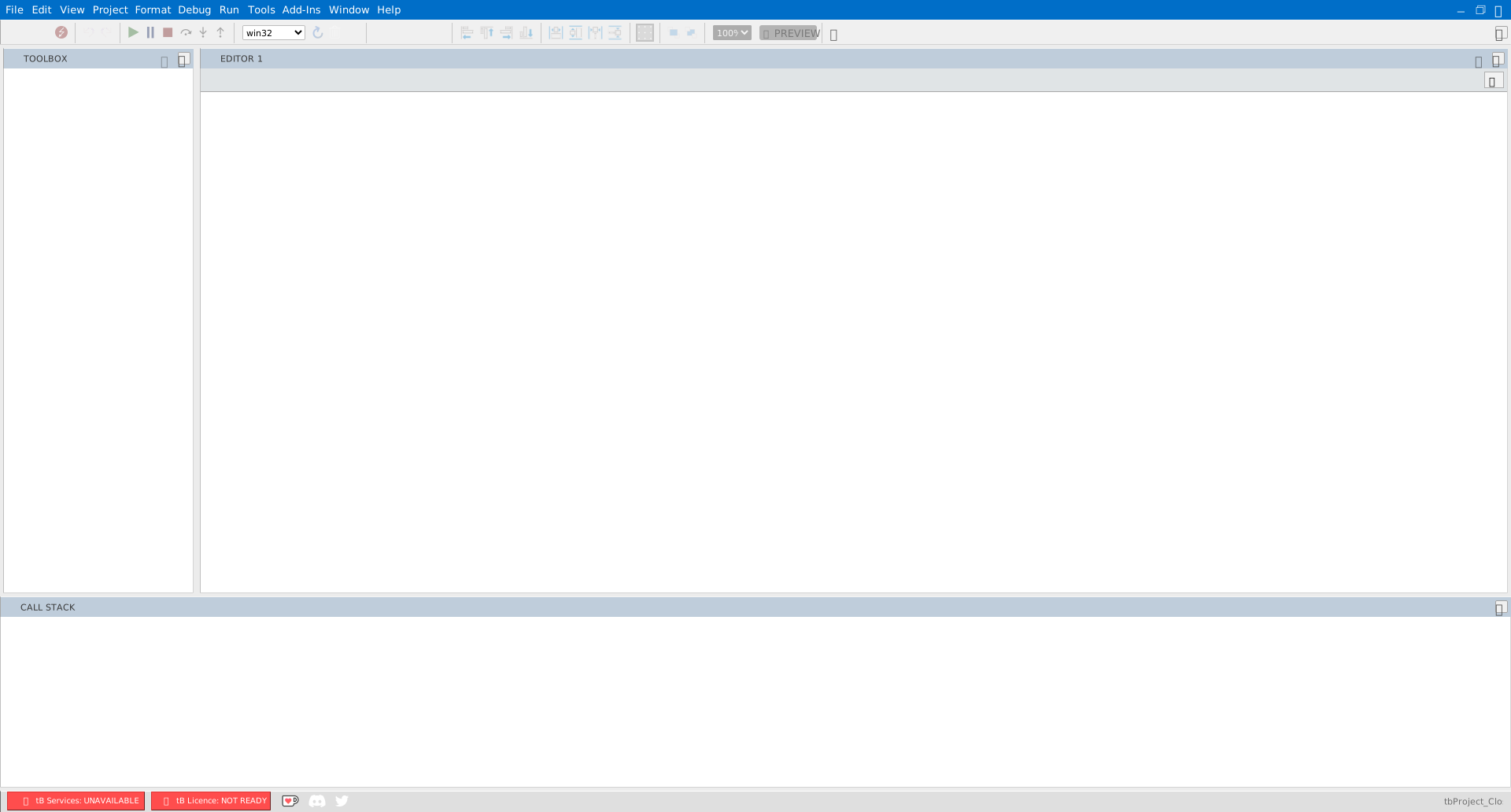
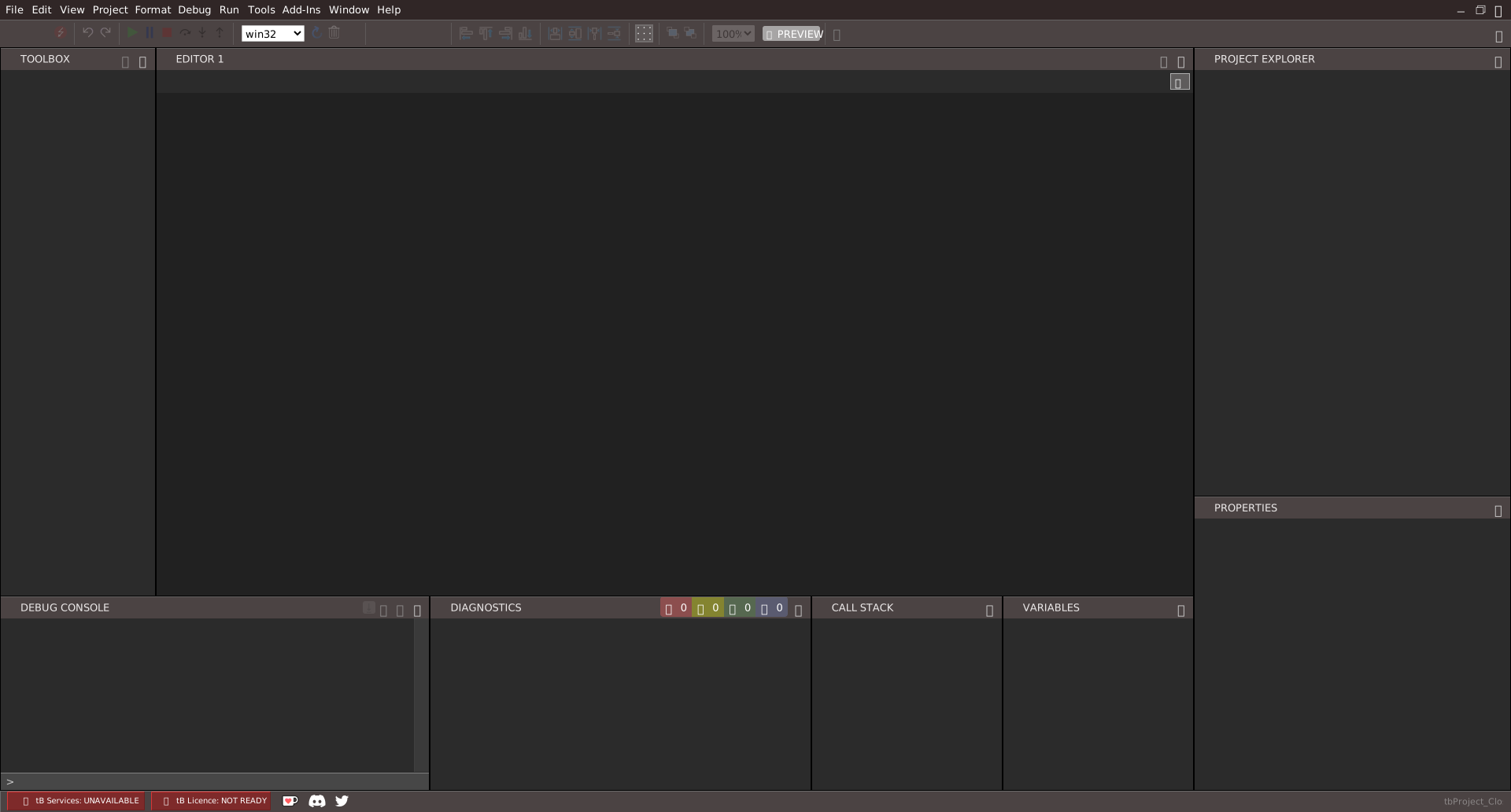
The IDE consists of several fixed panes and tool windows. The Project Explorer shows the file tree of the open project, and Projects and files describes how to add, change and save its files; the Editor is the main code and designer surface; the Properties pane shows and edits properties for the selected item; the Toolbox lists the controls available to drop onto a form.
The debugging panels — Call Stack, Variables, Debug Console, Watches and Memory — are described in Running and debugging. Nothing opens them when a program stops. The Call Stack, Variables and Debug Console are in the default layout. Watches and Memory are not: open them from the View menu.
The panels you use while writing code — Diagnostics, Outline, Open Editors, History and Find / Replace — are described, with the editor, in Writing code.
The form designer and the report designer open when a form or report file is opened from the Project Explorer. Third-party and community addins extend the IDE with additional commands and tool windows.