Global Search
Searches a project’s files from a tool window of its own. The add-in ships with the IDE, in the install’s addins\win32 and addins\win64 folders, so there is nothing to install.
The add-in adds one button to the toolbar, which opens the window.


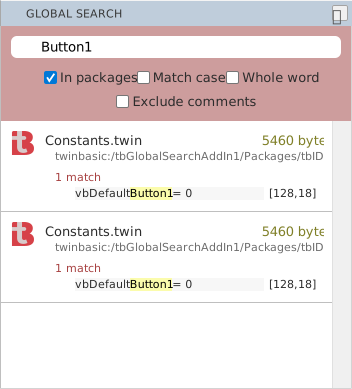
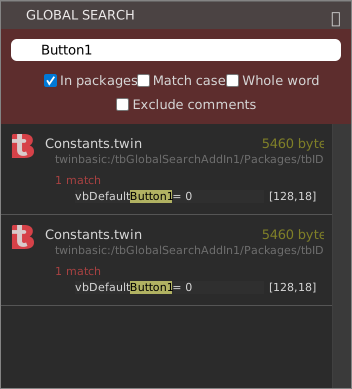
Type a search term, such as Button1, into the text box, and the add-in lists the matches. The four boxes under it set what it searches and how:
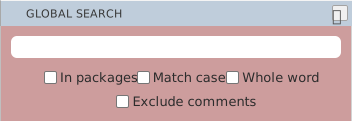
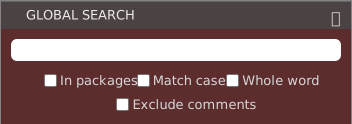
- In packages
- Searches the project’s packages as well.
- Match case
- Takes upper and lower case as different.
- Whole word
- Matches whole words only.
- Exclude comments
- Leaves out matches inside comments.
Each result is a card that gives the file’s name, its size in bytes and its path, the number of matches in it, and each matching line with its line and column.