Add-Ins Menu
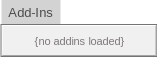
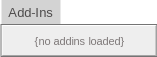
The Add-Ins menu lists the add-ins that are loaded. Add Ins explains where an add-in goes and when it loads. The compiler loads the add-ins, so the list is empty until a project is open.
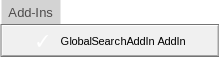
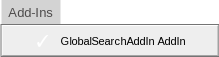
Each add-in has one item, under its own name, with a tick. A DLL that failed to load is listed too, as Unknown Addin. See When an addin does not load.
The menu cannot switch an add-in off. Choosing an item only shows a floating message, in the IDE’s words:


To load a project without its add-ins, hold Shift while it loads. See Add-ins that fail to load.
With no add-in loaded, the menu holds one greyed-out line.