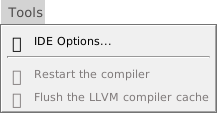
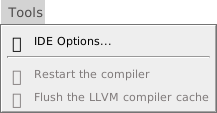
IDE Options… — opens the IDE Options dialog, which holds the IDE’s 32 options. The command has no default key. IDE Options describes the dialog, with its picture, and every option.
Restart the compiler — ends the compiler and starts a new one, which compiles the project again and loads the add-ins afresh. See Restart the compiler.
Flush the LLVM compiler cache — clears the cache of code compiled with LLVM, so that the next build compiles everything. See The cache.