Help Menu
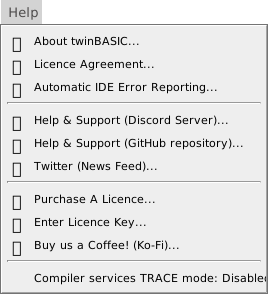
The Help menu holds the commands that show the IDE’s version and licence agreement, set error reporting, open the support channels, and buy or enter a licence.
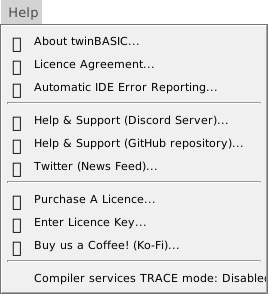
About twinBASIC…
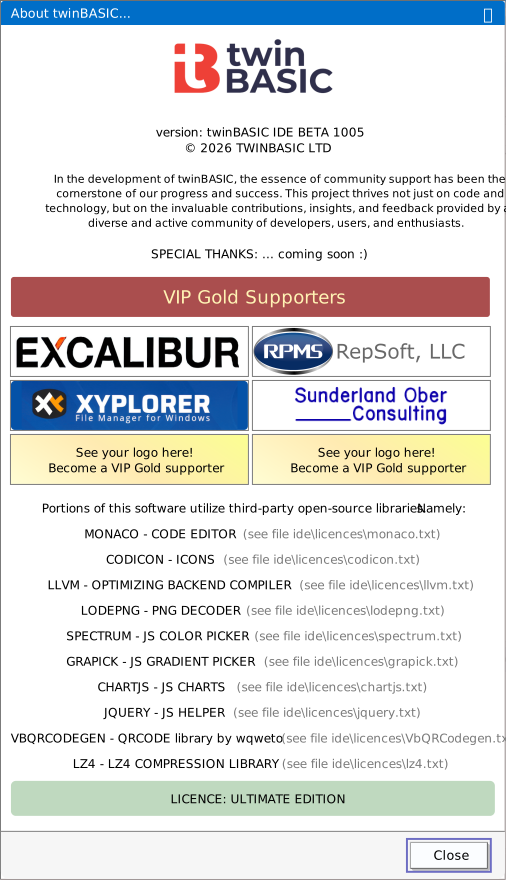
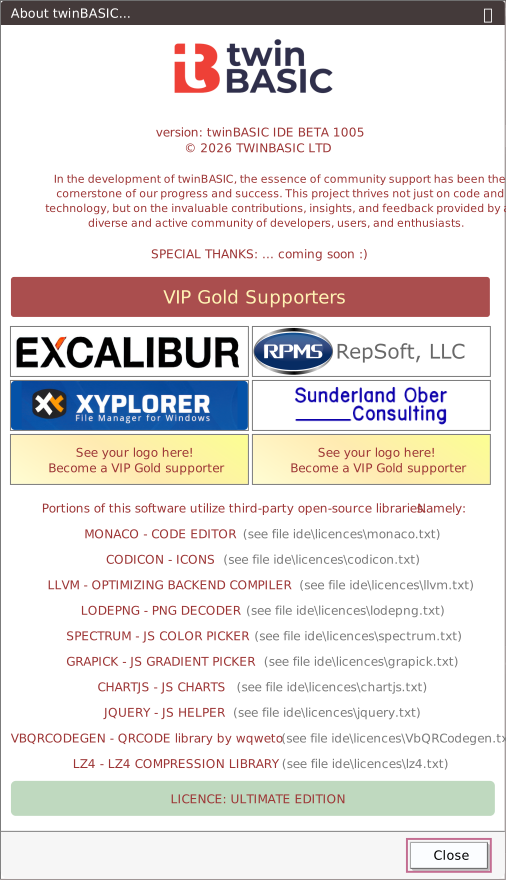
Opens a box that gives the version of the IDE, the copyright, the VIP Gold supporters, the third-party libraries that the IDE uses, and the edition your licence has. Each library is listed with its licence file, in the ide\licences\ folder of the install. Click a supporter’s logo to open that supporter’s website in your default browser; for a supporter who has given no website, a floating message says so. Close, Enter and Esc close the box. It works with no project, and has no key.
Licence Agreement…
Shows the twinBASIC licence agreement, as the first start does, but with one Close button, and under the text the line the IDE stored when you agreed. It works with no project and has no key. See The licence agreement.
Automatic IDE Error Reporting…
Asks whether the IDE may send anonymous error reports to twinBASIC Ltd. The dialog’s own title reads Automatic Error Reporting. The question switches reporting off as it opens, and YES switches it on again. NO and Esc leave it off. The command has no key. See The error reporting question.
Help & Support (Discord Server)…
Opens https://discord.gg/UaW9GgKKuE, the twinBASIC Discord server, in your default browser. The Discord icon in the status bar does the same. The command has no key. See Reporting a problem.
Help & Support (GitHub repository)…
Opens https://github.com/twinbasic/twinbasic, the repository’s front page, in your default browser. It is not the form for a new issue. The GitHub icon in the status bar does the same. The command has no key.
Twitter (News Feed)…
Opens https://twitter.com/waynephillipsea, the news feed, in your default browser. The Twitter icon in the status bar does the same. The command has no key.
Purchase A Licence…
Opens https://twinbasic.com/preorder.html, the address that the Purchase a licence button of the Enter Licence Key dialog opens. It has no key. See Purchase A Licence.
Enter Licence Key…
Opens the dialog that takes a licence key. It works with no project, and has no key. With no project loaded, the IDE holds the key until a project loads. See Enter Licence Key.
Buy us a Coffee! (Ko-Fi)…
Opens https://ko-fi.com/twinbasic in your default browser. The Ko-fi icon in the status bar does the same. The command has no key.
Compiler services TRACE mode: Disabled
Switches TRACE mode and restarts the compiler. The item reads Compiler services TRACE mode: Enabled, with a tick, while the mode is on. It is a diagnostic for the developers of twinBASIC, it is not saved, and the IDE starts with it off. A native exception in your program also turns it on. The command has no key. See TRACE mode.
Updating the IDE
The IDE does not update itself, and no menu item, notice or badge offers a new build. The IDE Option Check referenced packages are up-to-date checks a project’s packages, not the IDE.
A new build is a ZIP file on the Releases page of the twinBASIC repository, and it has no installer. Extract it to an empty folder and run twinBASIC.exe from there. See How do I install twinBASIC?.