Project Settings

Listed below are the project settings, in the same order as they appear in the Project Settings dialog. The explanations of those settings will be added below in the future. In the meantime, please refer to the setting descriptions built into the Project Settings dialog:

A fragment of the Project Settings dialog, indicating a description of a setting

Project Name

Project Description

Application Title

Application HelpFile

Startup Object

Icon Form

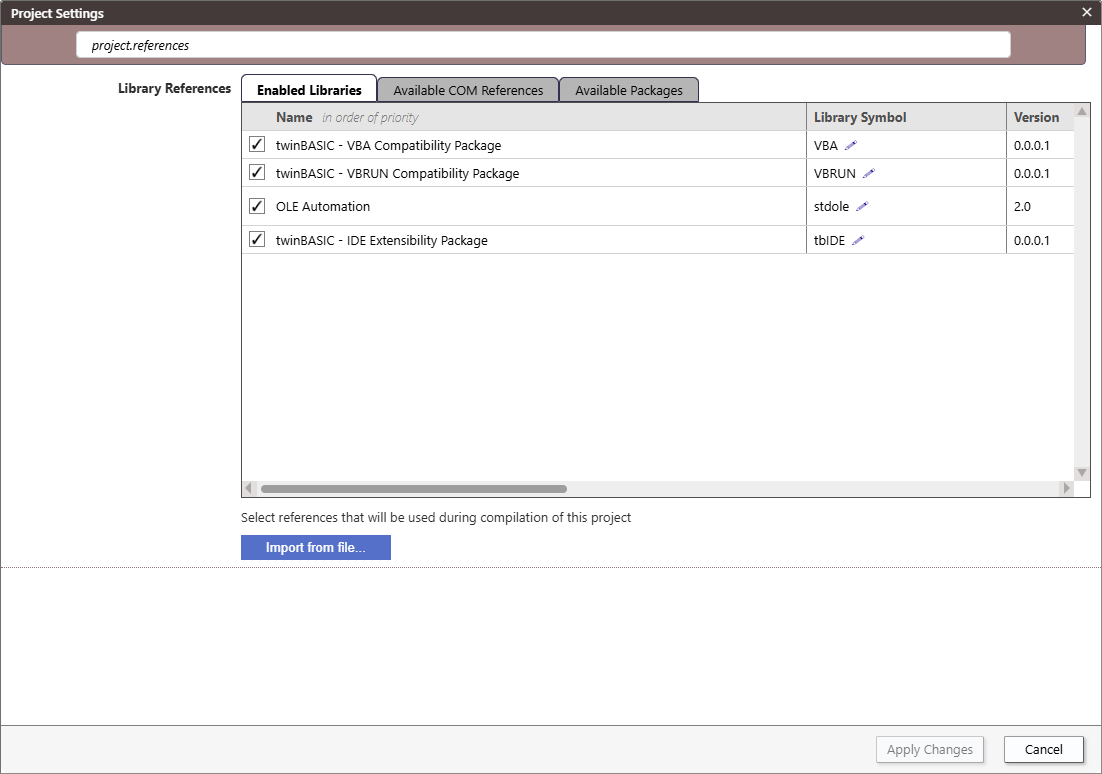
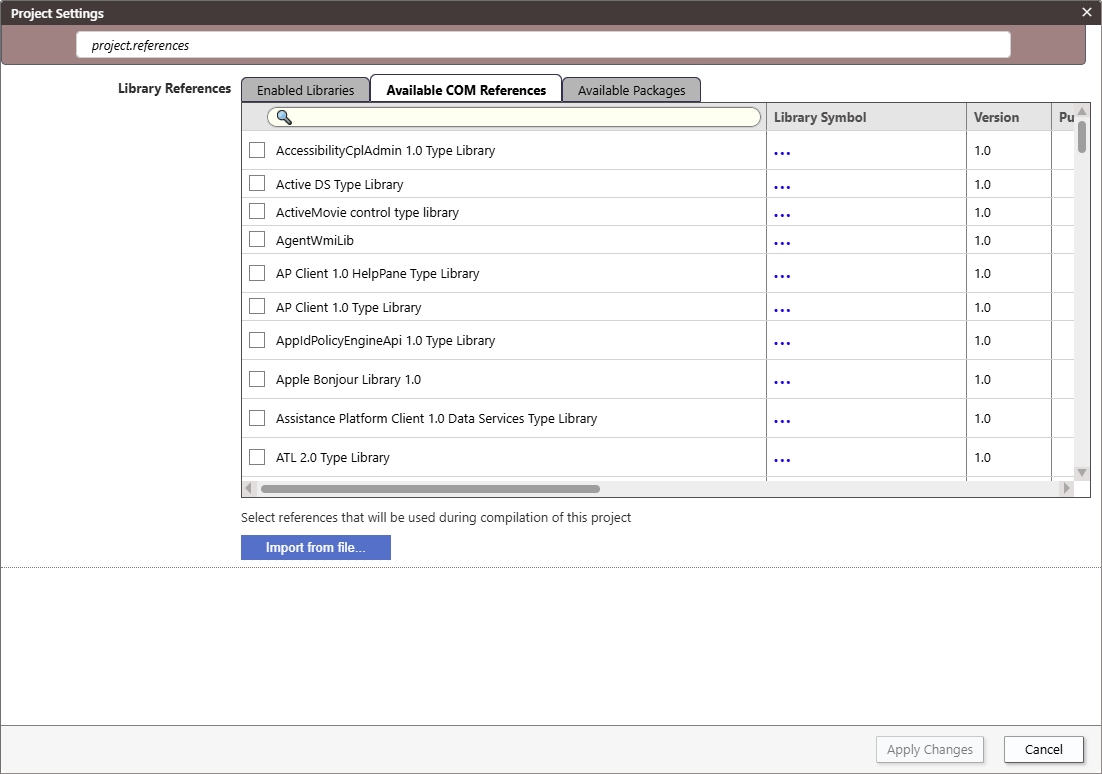
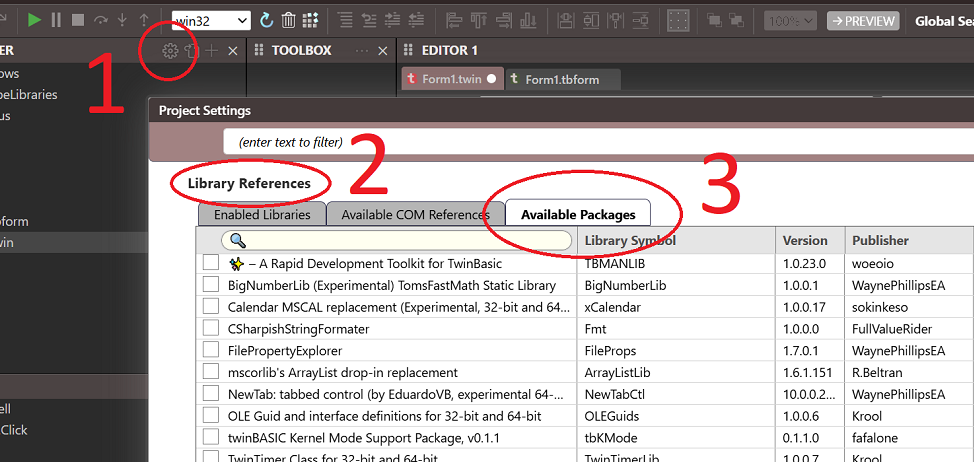
Library References

Compiler Warnings

Project ID

Use Project ID for type library ID

Build Output Path

Build Type

Licence Type

Package Visibility

VERSION Resource

Major/Minor/Build

Product Name

Company Name

File Description

Comments

Auto-Increment

Type Library Version

Major/Minor

Auto-Increment

Register DLLs to HKLM

COM Initialization

Is Console Application

Native Subsystem

Override Entry Point

Runtime Binding of DLL Declares

Conditional Compilation Args

Option Explicit On

Auto Prettify Source Code

CodeLens - Show Run Procedure

Runtime Windows Codepage

Use Unicode Standard Library

Unicode Control Notifications

Include Procedure Name Symbols in Built Executables

Trace Flags

Trace Output

Disable Overflow Checks

Disable Array Bounds Checks

Disable FPU Error Checks

Sanitize Booleans

Constant Function Folding

Large Address Aware (LAA)

Terminal Server Avare

Data Execution Prevention Aware (DEP)

Export

Export Path

Export After Save

Export Verbose

Force DPI Awareness At Startup

Runtime Command Line Args

Immediate Memory Invalidation

Break On All Errors

Build Stack Reserve Size

Target OS Version

Codegen Model

Strip PE File Relocation Symbols

Enable Address Space Layout Randomization (ASLR)

PE File Image Base Address (Win32)

PE File Image Base Address (Win64)

Debuggable

Feature Flags