Skip to main content 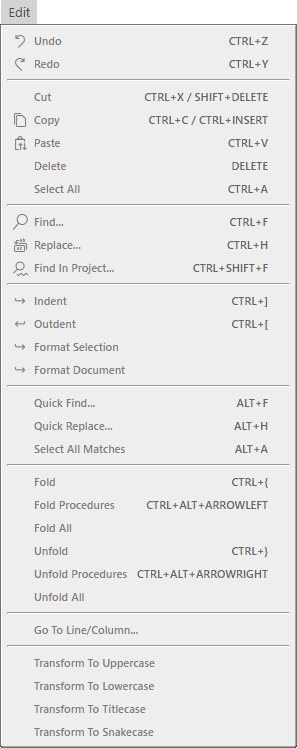
- Undo CTRL + Z
- Redo CTRL + Y
- Cut CTRL + X / SHIFT + DELETE
- Copy CTRL + C / CTRL + INSERT
- Paste CTRL + V
- Delete DELETE
- Select All CTRL + A
- Find… CTRL + F
- Replace… CTRL + H
- Find In Project… CTRL + SHIFT + F
- Indent CTRL + ]
- Outdent CTRL + [
- Format Selection
- Format Document
- Quick Find… ALT + F
- Quick Replace… ALT + H
- Select All Matches ALT + A
- Fold CTRL + {
- Fold Procedures CTRL + ALT + ARROWLEFT
- Fold All
- Unfold CTRL + }
- Unfold Procedures CTRL + ALT + ARROWRIGHT
- Unfold All
- Transform To Uppercase
- Transform To Lowercase
- Transform To Titlecase
- Transform To Snakecase