Debug Menu

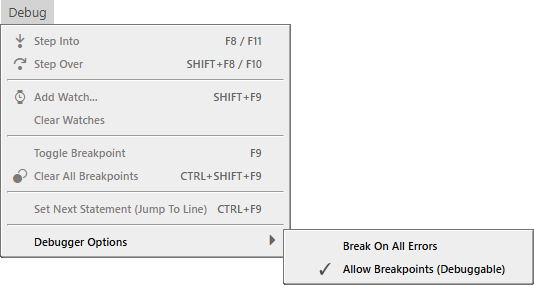
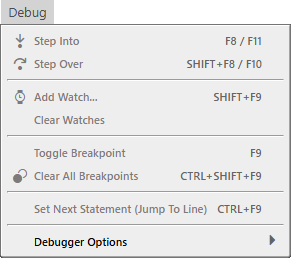
The Debug menu open with every stepping, watch and breakpoint command greyed out — Step Into, Step Over, Add Watch, Clear Watches, Toggle Breakpoint, Clear All Breakpoints and Set Next Statement — leaving Debugger Options at the foot of the menu as the only available entry, marked with a submenu arrow.

  • Step Into F8 / F11
  • Step Over SHIFT + F8 / F10

  • Add Watch… SHIFT + F9
  • Clear Watches

  • Toggle Breakpoint F9
  • Clear All Breakpoints CTRL + SHIFT + F9

  • Set Next Statement (Jump To Line) CTRL + F9

  • Debugger Options

Debugger Options

The same Debug menu with Debugger Options highlighted and its submenu open to the right, holding two entries: Break On All Errors, unticked, and Allow Breakpoints (Debuggable), ticked.

  • Break On All Errors
  • ✓ Allow Breakpoints (Debuggable)

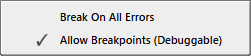
A close-up of that submenu on its own: a tick against Allow Breakpoints (Debuggable) and none against Break On All Errors.