New Project
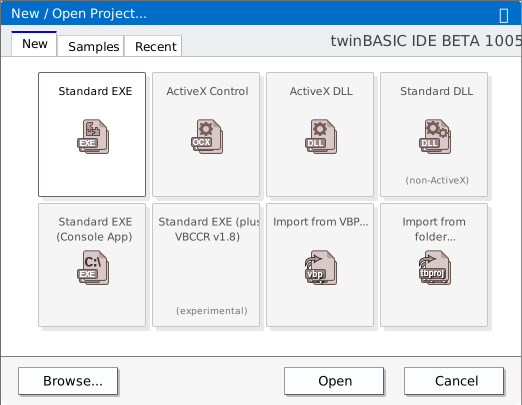
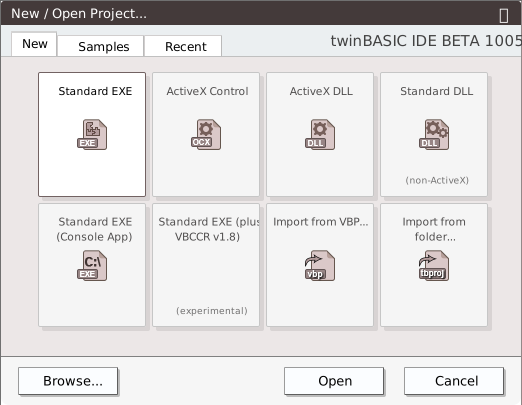
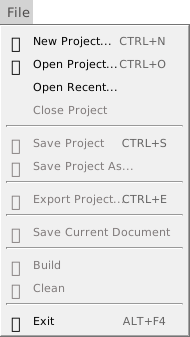
Shortcut: Ctrl+N
Options
- Standard EXE
- ActiveX Control
- ActiveX DLL
- Standard DLL
- Standard EXE (Console App)
- Standard EXE (plus VBCCR v1.8)
- Import from VBP…
- Import from folder…
Browse | Open | Cancel
Import from folder
Opens a project from a folder of source files, such as the folder that File → Export Project writes. It shows a Browse For Folder dialog titled Select folder of the existing twinBASIC project…: choose the folder that holds the project’s Settings file.
The project opens with no .twinproj file behind it: it is unsaved, and marked as changed. Because it has no file, the first Save Project (Ctrl+S) opens the Save As dialog to ask for one. The folder it is saved in becomes ${SourcePath}, which the project’s Export Path may use.
If the folder holds the compiler packages under Packages, as an export by the IDE does, delete their folders first: imported with them, the project gets a copy of them that the compiler does not use. See Packing the export back into a project. Keeping a project in Git from the IDE uses this command to open a fresh clone.
Samples


Each row is labelled Sample followed by its number. The numbering is the dialog’s own: 1a and 1b sit between 1 and 2.
- 0. Reports (Experimental)
- 1. HelloWorld
- 1a. WebView2 Examples
- 1b. Chromium Embedded Framework Examples
- 2. GetIPAddresses
- 3. MyCodeLibrary
- 4. MyVBEAddin (NEW with ToolWindow)
- 5. MyCOMAddin
- 6. CustomControls
- 7. Package
- 8. FilePropertyViewer (CustomControls)
- 9. ActiveX Control WebView2 + Monaco
- 10. twinBASIC IDE Addin
- 11. twinBASIC IDE Addin (Chart)
- 12. twinBASIC IDE Addin (Monaco)
- 13. twinBASIC IDE Addin (ListView)
- 14. twinBASIC IDE Addin (VirutalListView)
- 15. twinBASIC IDE Addin (Global Search)
- 16. twinBASIC IDE Addin (TODO Widgets demo)
- 17. Static Library Example (SQLITE3)
- 18. Static Library Example (libdeflate)
- 19. MDI Forms
- 20. TreeView + ListView + ImageList
- 21. Windows Service Simple Example
- 22. Windows Service Complex Example (inc Event Logging and IPC)
- 23. OOP Inheritance Example (Animals)
Recent
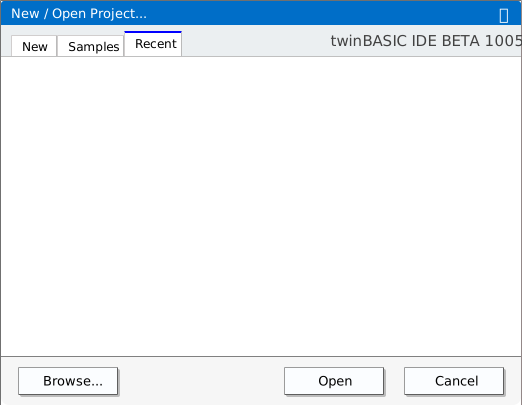
If you haven’t opened any projects, or removed all then this tab will be blank.
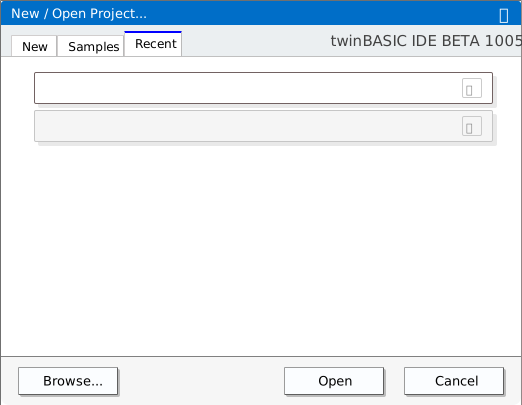
A list of recent projects will be displayed, resizing depending on how many are in the list.
Removed paths
Click on the X to remove from the list.