Importing a package from TWINSERV
Open the project from which you want to use a package, open the Settings file within it and navigate to the References section. Select the ‘Available Packages’ button, and all packages that are on the server should be shown:


If you tick one of the available packages, it will be downloaded and imported into the project:


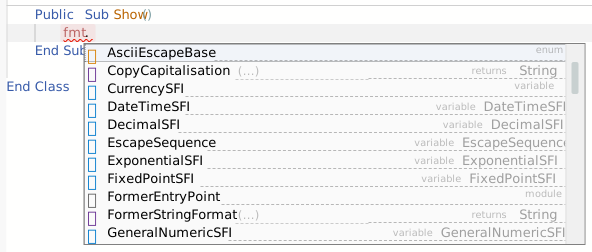
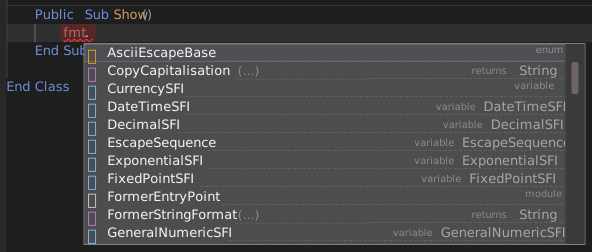
Once you’re finished, press Apply Changes, which saves the project and restarts the compiler. Now you’re ready to use the package! In the example shown above I added a reference to the CSharpishStringFormater package, and I can now confirm that I can access components from the package in my code:
Note: If you have any PRIVATE packages that you have published, they are only available when signed in. If you are not already signed in, you will see a warning link that you can click to login:


After logging in, press the ‘Available’ button again to refresh the list.