Watches
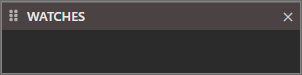
When a project isn’t open this will be empty.
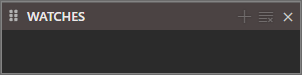
Once you open a project it will other buttons available.
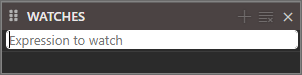
If you wish to add a new watch click  and type in your “Expression to watch”
You can remove any with the Clear button 
When a project isn’t open this will be empty.
Once you open a project it will other buttons available.
If you wish to add a new watch click and type in your “Expression to watch”
You can remove any with the Clear button