Find / Replace

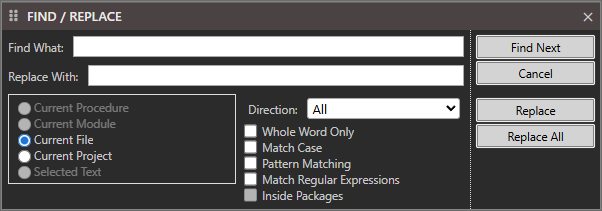
The Find / Replace pane. Find What and Replace With are both empty. The scope radio group has Current File selected, with Current Module and Selected Text greyed out. Direction is set to All, and the checkboxes Whole Word Only, Match Case, Pattern Matching, Match Regular Expressions and Inside Packages are all clear. Find Next, Cancel, Replace and Replace All run down the right edge.

Find What

Replace With

  • Current Procedure
  • Current Module
  • Current File
  • Current Project
  • Selected Text

Direction: All / Down / Up
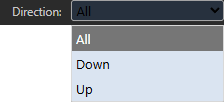
The Direction dropdown opened, offering All, highlighted as the current choice, then Down and Up.

  • Whole Word Only
  • Match Case
  • Pattern Matching
  • Match Regular Expressions
  • Inside Packages

Find Next

Cancel

Replace

Replace All