Add-Ins Menu
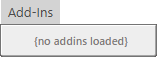
{no addins loaded}
Once you open a project:
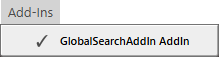
Clicking on this menu option shows
🛈 Sorry, this menu option has not been implemented yet

{no addins loaded}
Once you open a project:
Clicking on this menu option shows
🛈 Sorry, this menu option has not been implemented yet