New Controls
twinBASIC introduces several new controls to enhance your applications.
QR Code Control
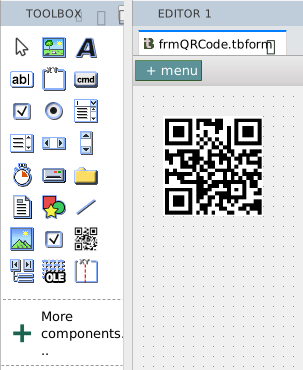
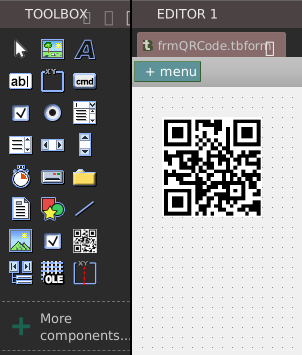
Display custom QR codes with a native control.
Multiframe Control
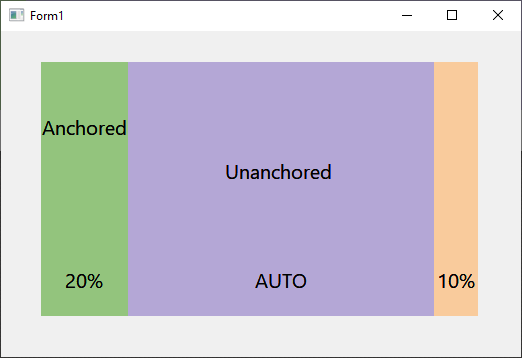
This control allows you to create a number of frames within it with their size specified as a percentage, such that as the control is resized the frames within expand proportionally. For details and a video demonstration, Mike Wolfe’s twinBASIC Weekly Update covered it when released.
Combined with anchors and docking, this allows designing highly functional and complex layouts visually, without writing any code to handling resizing.
CheckMark Control
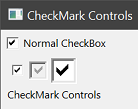
Primarily intended for reports but available in Forms and UserControls as well, the CheckMark control provides a scalable check component where this is fixed to a single size in a normal CheckBox control.